What you'll learn
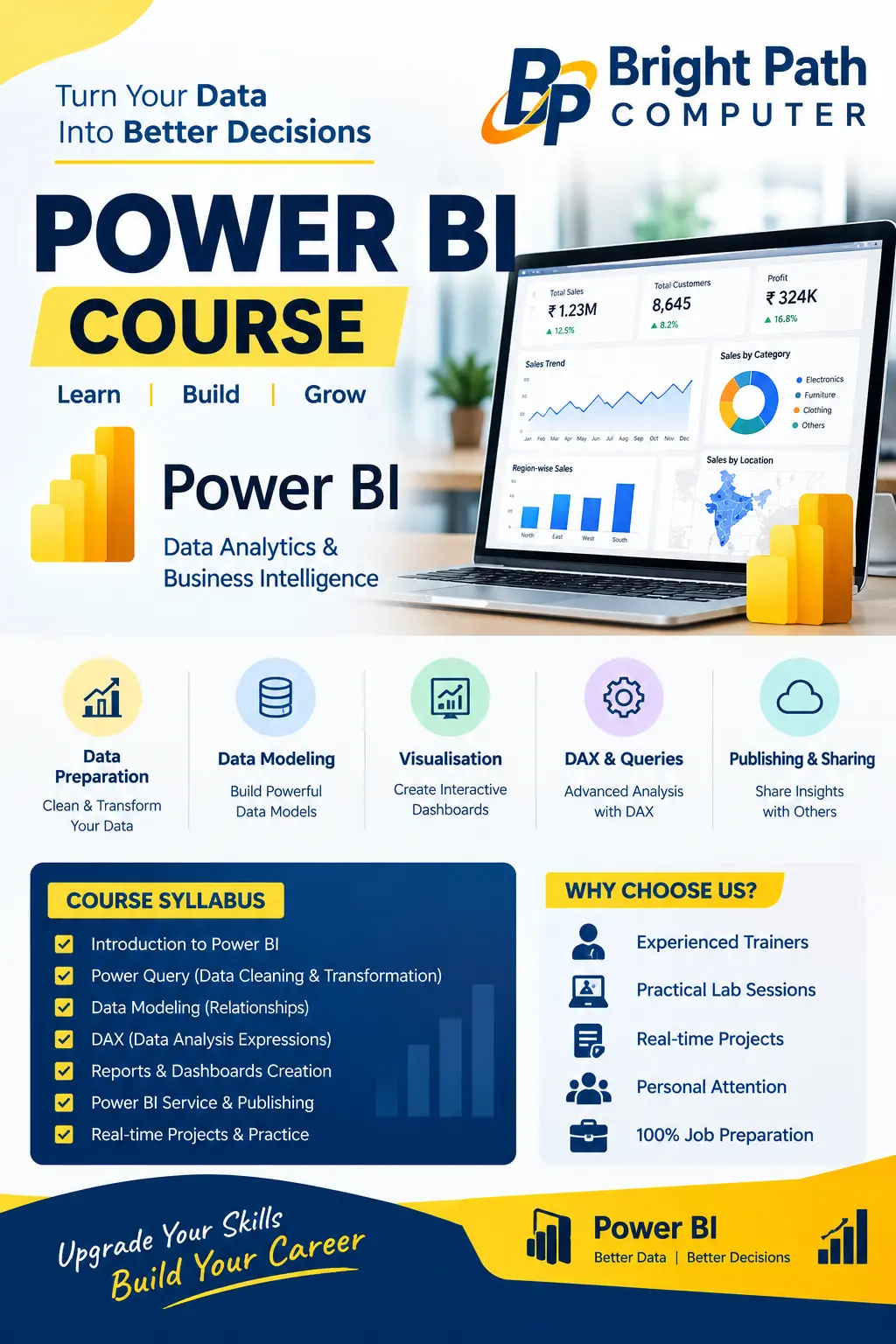
Learn Data Analytics & Business Intelligence with our practical Power BI course.
✅ Data Preparation & Cleaning
✅ Data Modeling
✅ Interactive Reports & Dashboards
✅ DAX & Advanced Analysis
✅ Power BI Service & Publishing
✅ Real-Time Projects & Practical Training
🎯 Why Choose Bright Path Computer?
✔️ Experienced Trainers
✔️ Practical Lab Sessions
✔️ Real-Time Projects
✔️ Personal Attention
✔️ 100% Job Preparation
Show More
Course Syllabus
Module 1: Introduction to Power BI
- Introduction to Business Intelligence
- Power BI Desktop Interface
- Connecting to Different Data Sources
- Importing Excel, CSV and Database Data
Module 2: Power Query – Data Cleaning
- Data Cleaning and Transformation
- Remove Duplicates and Handle Missing Values
- Change Data Types
- Merge and Append Queries
- Pivot and Unpivot Data
Module 3: Data Modeling
- Tables and Relationships
- Primary Keys and Foreign Keys
- One-to-Many Relationships
- Star Schema Basics
- Date Tables
Module 4: DAX (Data Analysis Expressions)
- Calculated Columns and Measures
- SUM, AVERAGE, COUNT and DISTINCTCOUNT
- IF, CALCULATE and FILTER
- SUMX and RELATED
- Time Intelligence Functions
- Basic KPI Calculations
Module 5: Data Visualization
- Charts, Tables and Matrix
- Cards, Slicers and Filters
- Drill-Down and Drill-Through
- Conditional Formatting
- Interactive Dashboards
- Bookmarks and Tooltips
Module 6: Reports and Dashboard Projects
- Sales Analysis Dashboard
- Financial Report
- HR Analytics Dashboard
- Business Performance Report
- Practical Real-Time Projects
Module 7: Power BI Service
- Publishing Reports
- Workspaces and Dashboards
- Sharing Reports
- Scheduled Data Refresh
- Introduction to Data Security (RLS)

 Bestseller